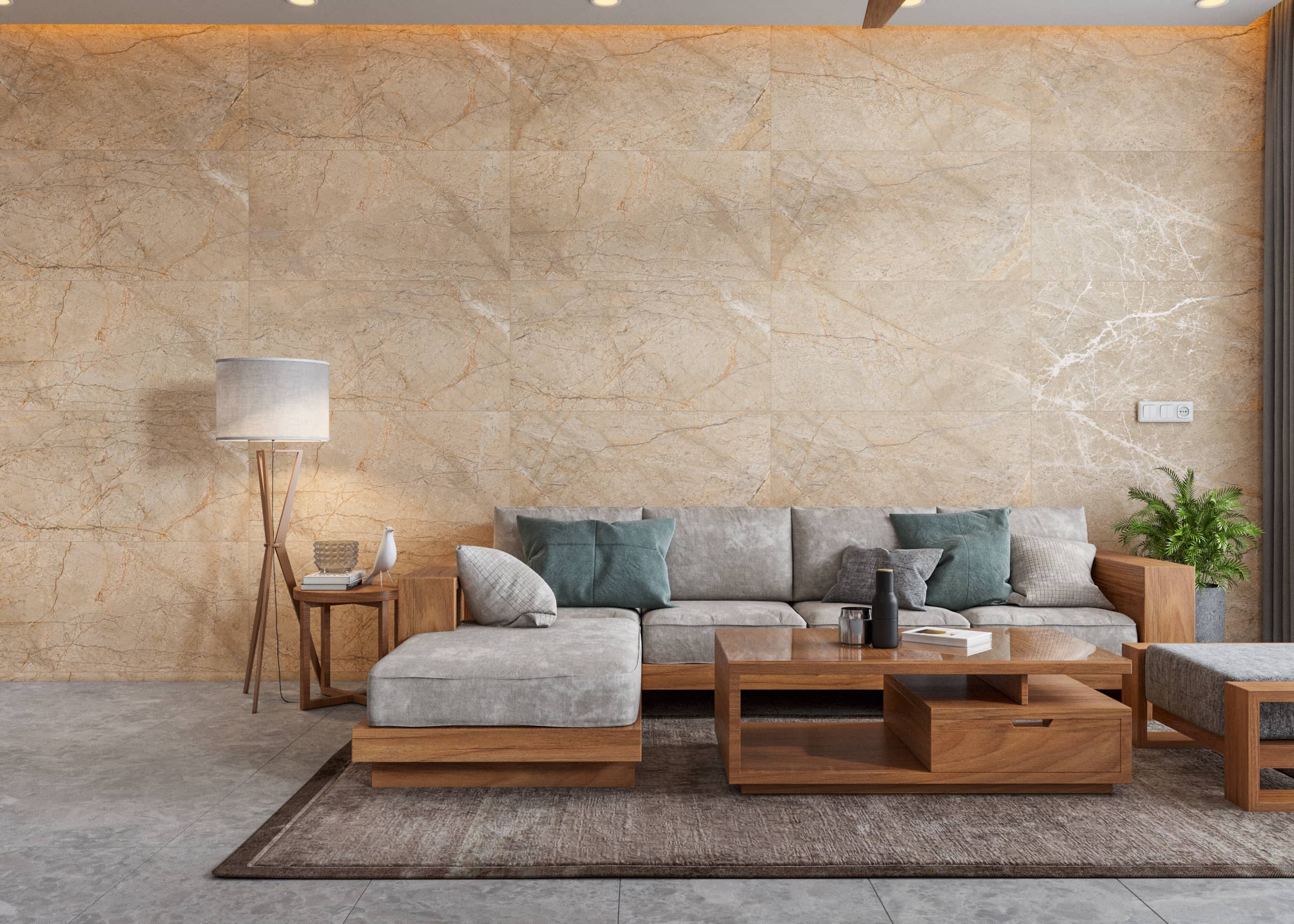
3D Product Visualization: Boosting E‑commerce Sales with Interactive Renders
Shoppers can’t touch your product online — but with 3D product visualization, they can rotate it, zoom in, swap colors, and see materials sparkle under perfect lighting. That interaction translates into confidence, fewer returns, and higher conversion rates.
This definitive guide explains how interactive 3D renders, 360° product viewers, and short animations help e‑commerce brands showcase products with clarity — while cutting photoshoot costs and accelerating launches. You’ll learn where 3D fits in your content pipeline, which formats to use, how to balance quality vs performance, and the ROI you can realistically expect.
Primary keyword: 3D product visualization. Related keywords (LSI): interactive product renders, e‑commerce 3D, 360 product viewer, product configurator, photoreal product rendering, PBR materials, WebGL, USDZ/GLB, AR try‑on, visual merchandising.
Why 3D product visualization works (and keeps winning)
Visual clarity beats guesswork
3D renders show details traditional photos struggle with: micro surface texture, complex gloss levels, and hard‑to‑light materials like chrome, glass, and translucent plastics. With a calibrated virtual studio, you get perfect lighting and shadows every time — no reshoots.
Interaction creates confidence
Letting shoppers rotate products, view exploded parts, and toggle materials answers questions faster than long descriptions. Confidence reduces hesitation and cart abandonment.
Faster content, lower cost at scale
Once you have a master 3D asset, you can generate unlimited angles, colorways, and lifestyle composites without scheduling a studio, shipping samples, or hiring crews. That’s why 3D often becomes cheaper than photography for medium‑to‑large catalogs.
Omnichannel ready
The same 3D asset powers your PDP images, 360 spinners, short social animations, AR previews, and retail kiosks. One source, many formats.
Photoreal vs interactive: choosing the right deliverable for your PDP
Most product detail pages (PDPs) benefit from a hybrid: high‑resolution photoreal stills plus an interactive 360° or 3D viewer. Stills handle fast scanning and rich zoom; the viewer handles exploration.
- Stills: 6–12 hero angles at 2–3× zoomable resolution
- 360° images: 24–72 frames for smooth spin (JPEG/WEBP)
- Real‑time 3D: embedded GLB/GLTF with baked lighting or PBR, optimized for web
Pro tip: Start with 360s for top sellers, then roll out real‑time 3D viewers where performance budgets allow.
The 3D product visualization pipeline (how we build it)
1) Kickoff and asset intake
- Objectives: PDP stills, 360 viewer, hero animation, AR assets
- Inputs: CAD (STEP/IGES), engineering drawings, or high‑res photos with measurements
- References: brand lighting style, background standards, material swatches
2) CAD cleanup and modeling
- Import and retopologize CAD for rendering or real‑time (reduce N‑gons, fix normals)
- Rebuild missing details that matter at macro zoom (threads, knurling, embossed logos)
- Create LODs (levels of detail) for web use
3) UVs, materials, and lookdev
- Create clean UVs; pack efficiently to maintain texel density
- Build PBR materials: base color, roughness, metallic, normal, opacity, translucency
- Validate scale using real measurements (e.g., wood grain, weave, label DPI)
4) Lighting and virtual studio
- Set up brand‑consistent rigs (key/fill/rim) and softbox reflections
- Add HDRI for ambient realism; control shadows for thumbnails
- Create lighting presets for product families (e.g., glossy vs matte)
5) Cameras and composition
- Define PDP hero angles, detail macros, and comparison views
- Maintain consistent horizon and focal length across a category
- Lock cameras before final materials to avoid rework
6) Output variants
- Stills for PDP and marketplaces (white background + lifestyle)
- 360 image sequences or real‑time GLB/GLTF
- Short animations (turntable, feature callouts, assembly)
- Optional AR: USDZ (iOS) and GLB (Android/web)
7) QA and delivery
- Color‑check against physical samples and brand specs
- Performance‑test real‑time models on mid‑tier phones
- Package naming, metadata, and alt text for SEO
What formats to use (and where)
Stills
- PNG for transparency; WEBP/JPEG for fast PDPs
- Retouch dust, aliasing, and moiré in post
- Export at 2000–3000px on the long edge for zoom
360° image sequences
- 24–72 frames; WEBP preferred for size; lazy‑load frames
- Use a JS viewer (PhotoSphereViewer, React‑Three‑Fiber custom, or vendor tools)
Real‑time 3D (WebGL/Three.js)
- GLB/GLTF with compressed textures (KTX2/ Basis)
- Draco mesh compression; target 1–5 MB per model on mobile
- Baked lighting where possible for speed; use PBR only if needed
AR assets
- USDZ for iOS Quick Look, GLB for Android and web AR
- Keep under 10 MB for mobile load times
Optimizing for speed: the 80/20 of performance
- Limit texture resolutions; prioritize hero areas (logos, touchpoints)
- Share texture atlases across parts to reduce draw calls
- Bake reflections and AO for glossy products when accurate enough
- Use LODs: high detail at macro zoom; simplified meshes for default view
- Ship WebP/AVIF stills; implement lazy loading and responsive srcsets
Pro tip: Measure Core Web Vitals (LCP/CLS/INP). A fast viewer beats a perfect viewer that nobody waits to load.
Content types that convert (with examples)
1) Turntable animations (6–15 seconds)
Perfect for social and ads. Show a full rotation with a hero light sweep across logos and materials. Add callouts for key features.
2) 360° PDP viewers
Let shoppers rotate and zoom. Pair with hotspots to reveal specs or configuration options.
3) Feature micro‑animations
Exploded views, lid open/close, button press, fabric stretch. Small gestures communicate quality and design thinking.
4) Color/material configurators
Real‑time or server‑rendered variants that swap finishes. Great for furniture, footwear, electronics, and automotive accessories.
5) AR “place in room”
Let customers view scale and finishes in their space. Useful for furniture, lighting, decor, and appliances.
ROI: where the gains come from

Higher conversion
Interactive renders reduce ambiguity. Brands report increases in PDP conversion when adding 360/3D viewers, especially for complex or premium products.
Fewer returns
Accurate materials and scale previews set expectations. Customers know what they’re buying.
Lower content costs
After the first 3D build, new colorways and angles are inexpensive. Seasonal refreshes don’t require reshoots.
Faster time‑to‑market
Launch before final samples are ready. Align marketing and product teams earlier.
Common pitfalls (and how to avoid them)
- Over‑detailed meshes slow the web. Retopo and use LODs.
- Inconsistent lighting across a category breaks visual trust. Standardize rigs.
- PBR without calibration looks fake. Match reference photos and real samples.
- No texture compression = bloated downloads. Use KTX2 and WebP/AVIF.
- Ignoring accessibility. Provide alt text, keyboard controls, and captions.
SEO for product visuals (quick wins)
- Descriptive filenames (brand-model-color-angle-hero.webp)
- Alt text that describes material and feature (e.g., “matte black stainless travel mug with silicone grip”)
- Structured data (Product, Offer, AggregateRating)
- Consistent background and horizon for grid pages
Implementation options (build vs buy)
In‑house
- Pros: control, customization, seamless brand fit
- Cons: requires 3D, web, and DevOps talent; higher up‑front cost
Partner with a visualization studio
- Pros: faster ramp‑up, proven pipeline, flexible capacity
- Cons: coordination overhead; need clear briefs and brand guidelines
Hybrid
- Keep strategy and web integration in‑house; outsource 3D asset creation and lookdev to a studio like Space Visual.
Case snapshot: furniture brand launching 120 SKUs
Objective: Replace traditional studio photography with 3D renders and a 360 viewer for top sellers.
Approach:
- Built master 3D assets for 12 product families
- Created color/material variants (wood finishes, fabric swatches)
- Delivered PDP stills (white background + lifestyle) and 360 viewers
- Added 10‑second turntable animations for social ads
Outcome:
- Reduced content cost per SKU after the first season
- Faster seasonal updates and consistent lighting across the catalog
- Improved PDP engagement time and reduced “unknowns” in customer questions
FAQ
Is 3D product visualization more expensive than photography?
Not over time. The first 3D build is an investment, but new angles, colorways, and animations are much cheaper than reshooting. For medium‑to‑large catalogs, 3D becomes cost‑effective.
Can I use the same 3D assets for AR?
Often yes, with optimization. We convert master assets to USDZ/GLB, reduce polycount, and compress textures to meet mobile limits.
Will a 3D viewer slow my site?
Not if optimized. Use compressed GLB/KTX2, lazy loading, and fallback stills. Test on mid‑tier phones and monitor Core Web Vitals.
How accurate are materials in 3D?
With proper PBR and calibrated lighting, extremely accurate. We match real samples and provide lookdev sheets for sign‑off.
What if I only want still images for now?
That’s fine. We can start with photoreal stills and add 360/3D later using the same base assets.
Conclusion: make products feel real, before the first sample ships
3D product visualization lets shoppers interact with your products like they’re in their hands: rotate, zoom, swap finishes, and watch features in motion. Done right, it boosts conversion, reduces returns, and replaces expensive, slow photoshoots with scalable, omnichannel assets.
Space Visual helps e‑commerce brands build a robust 3D content pipeline — from CAD cleanup and PBR lookdev to PDP stills, 360 viewers, animations, and AR. If you’re ready to test 3D on a category or take your visual commerce to the next level, we’ll map a pilot with clear KPIs, timelines, and costs.
Explore Latest Blogs
How 3D Renderings Help in Client Approvals and Faster Project Sign-off
A comprehensive guide to using 3D renderings for faster client approvals and project sign-off — covering decision psychology, approval workflows, cost savings, and stakeholder communication strategies.


Using 3D Visualization in Architecture Competitions: How to Stand Out
A strategic guide to using 3D visualization in architecture competitions — covering rendering techniques, presentation strategies, and communication tactics to impress juries and win.