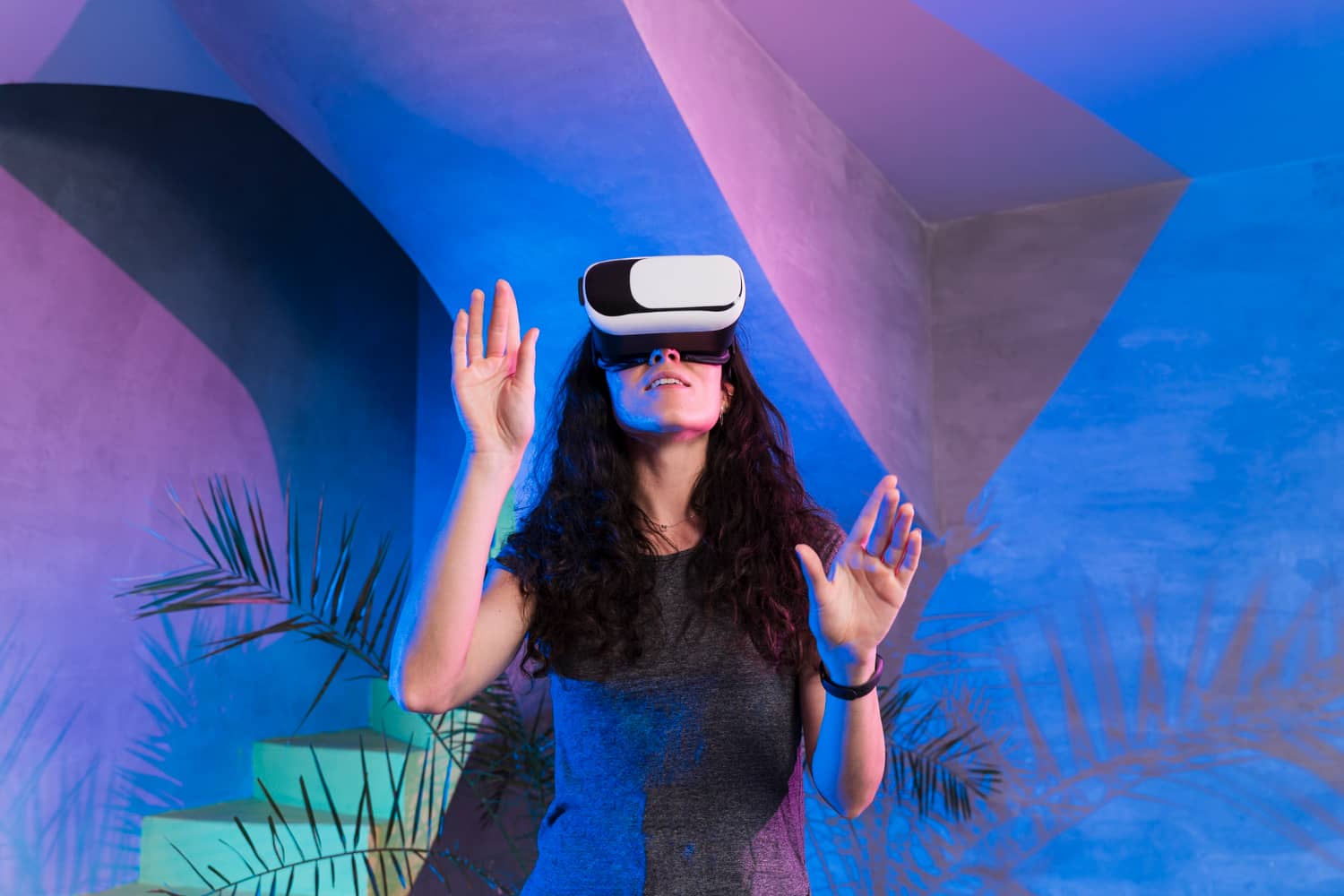
VR / AR & 3D Visualization: The Future of Immersive Design Presentations
Imagine standing inside your unbuilt project, looking up at vaulted ceilings, walking through rooms, swapping finishes with a gesture, and discussing changes while your client experiences the space at 1:1 scale. That's the power of VR and AR in architectural visualization — and it's no longer futuristic. It's practical, scalable, and transforming how architects, designers, and developers present ideas.
In this comprehensive guide, we explore how virtual reality (VR) and augmented reality (AR) paired with real‑time 3D visualization are reshaping design presentations. You'll learn the use cases, technology stack, production pipeline, ROI potential, adoption barriers, and what to consider when adding immersive experiences to your workflow.
Primary keyword: VR/AR 3D visualization. Related LSI keywords: immersive design presentations, virtual reality architecture, augmented reality interior design, interactive walkthroughs, real‑time rendering, VR headset, AR try‑on, Unreal Engine, Unity, WebXR, spatial design review.
Why immersive visualization matters now
Traditional presentations have limits
2D drawings, static renders, and even animations ask clients to imagine. VR and AR remove that cognitive gap — clients experience space, scale, and light directly.
Decision‑making accelerates
When stakeholders can walk a layout, test sightlines, and feel proportions, they make faster, more confident decisions. Fewer "what ifs" and fewer late‑stage changes.
Differentiation and trust
Studios that offer VR walkthroughs or AR previews signal expertise and modernity. Early adopters often win competitive pitches.
Remote collaboration works better
VR meetings let distributed teams review a design together in the same virtual space, even from different continents.
VR vs AR: what's the difference and when to use each
Virtual reality (VR)
Fully immersive. You wear a headset (Meta Quest, HTC Vive, Pico) and step into a 3D environment. Perfect for:
- Full architectural walkthroughs
- Interior layout reviews at 1:1 scale
- Large masterplans and campus designs
- Stakeholder workshops and design charrettes
Pros: Total immersion; no real‑world distractions; precise scale.
Cons: Requires headset; some users experience motion discomfort.
Augmented reality (AR)
Overlays 3D content on the real world via phone, tablet, or AR glasses (e.g., iOS Quick Look, Android ARCore, HoloLens). Ideal for:
- Site context: visualize a building on an empty lot
- Furniture/fixture placement in existing interiors
- Quick client previews without headsets
- Marketing: let buyers "place" homes in their neighborhood
Pros: Accessible (uses existing devices); context‑aware.
Cons: Smaller viewing area; less immersive than VR.
Hybrid approach: Use AR for early concept validation and VR for detailed design reviews.
Use cases: where VR and AR add the most value
1) Pre‑construction design reviews
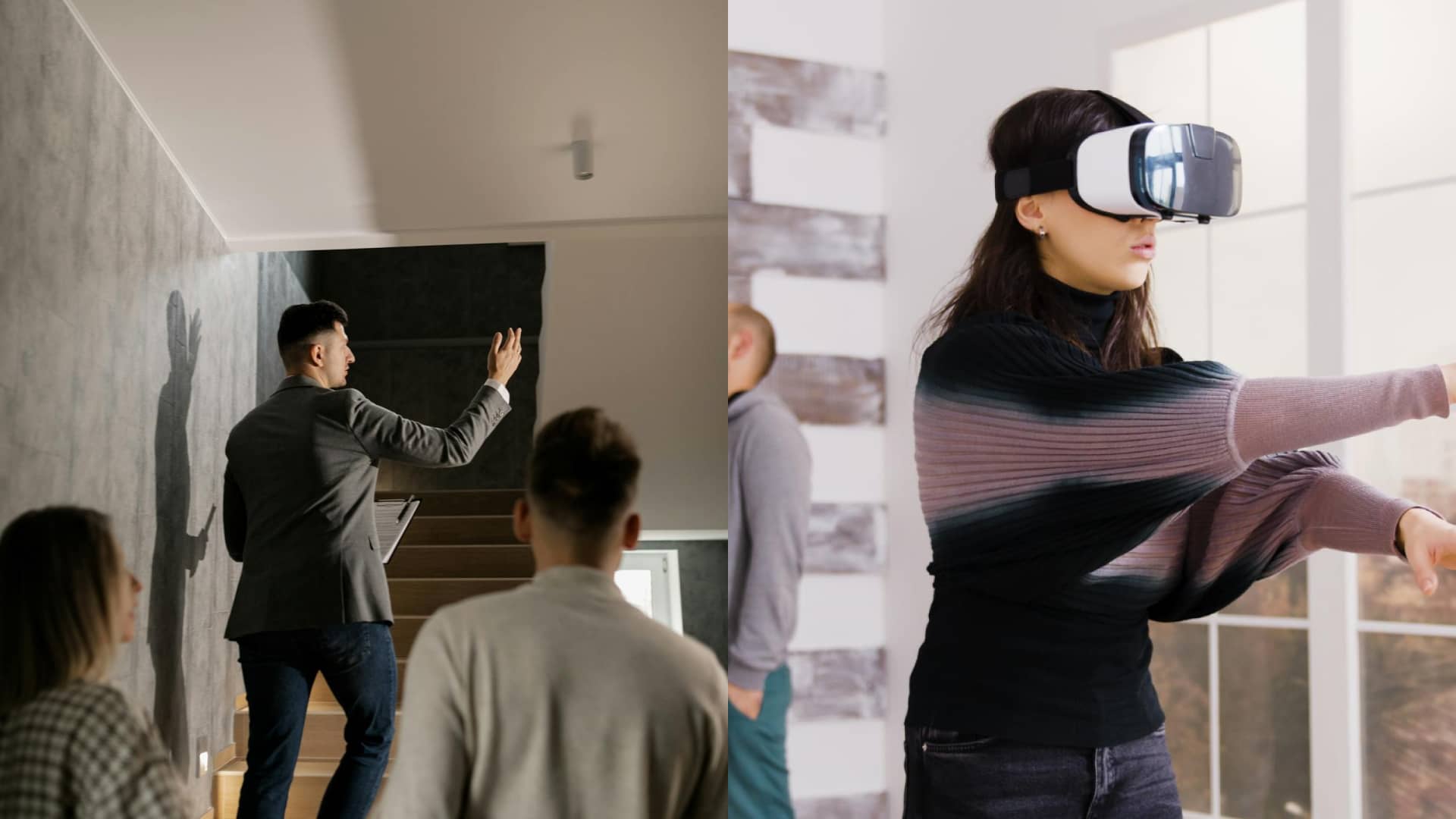
Walk clients through proposed layouts, test furniture clearances, adjust ceiling heights, and swap finishes in real time. Catch issues before construction starts.
2) Sales centers and off‑plan marketing
Developers use VR to sell units before they're built. Buyers tour model apartments, customize finishes, and sign contracts with confidence.
3) Remote stakeholder approvals
Share a VR link; stakeholders review independently or join a multiplayer session. Comments and markups sync in real time.
4) Interior design presentations
Clients walk rooms, compare furniture layouts, and visualize lighting scenarios. AR lets them see how a sofa fits in their actual living room.
5) Urban planning and masterplans
City planners and community groups explore large‑scale developments, test pedestrian flows, and review massing from ground level.
6) Historic preservation and museum exhibits
Recreate lost structures or add interpretive AR layers to physical sites.
The immersive visualization pipeline
Step 1 — Define objectives and scope
- What decisions will VR/AR support? (layout, materials, approvals, sales)
- Who is the audience? (clients, investors, public, internal teams)
- Hardware target: standalone VR (Quest), PC VR, mobile AR, or web‑based
- Interactivity: passive walkthrough vs active customization
Step 2 — Optimize 3D assets for real‑time
Static renders can use millions of polygons; real‑time needs efficiency.
- Retopologize CAD and high‑poly models
- Create LODs (levels of detail) for distant objects
- Bake lighting and AO where possible to save GPU cycles
- Use texture atlases and compressed formats (KTX2, ASTC)
Step 3 — Build in a real‑time engine
Popular platforms:
- Unreal Engine: Photoreal quality; great for archviz; steeper learning curve
- Unity: Flexible; strong AR/VR support; widely used
- WebXR frameworks: Three.js, Babylon.js for browser‑based experiences (no app install)
Step 4 — Lighting and materials
- Use baked lightmaps for static geometry (speed)
- Dynamic lights for interactive elements (doors, lamps)
- PBR materials for realism; ensure texture scale matches real‑world measurements
Step 5 — Interaction design
- Locomotion: teleport, smooth walk, or snap rotation
- UI: hand controllers, gaze pointers, or voice commands
- Customization: material swatches, furniture swap, time‑of‑day slider
Step 6 — Testing and optimization
- Target 72–90 fps for VR comfort
- Test on target hardware (Quest is common baseline)
- Reduce draw calls, optimize shaders, and cull off‑screen geometry
Step 7 — Deployment and support
- VR: SideQuest, App Lab, or enterprise distribution
- AR: iOS Quick Look (USDZ), Android ARCore, or web AR
- Provide brief user guides and support for first‑time users
Hardware and software: what you need
VR headsets (2025 landscape)
- Meta Quest 3 / Pro: Standalone; no PC needed; affordable; good for client‑facing use
- HTC Vive / Valve Index: PC‑tethered; higher fidelity; best for studio demos
- Pico 4 Enterprise: Business‑focused; GDPR‑friendly alternative
AR devices
- iOS devices (iPhone/iPad): Quick Look for USDZ
- Android phones: ARCore for GLB
- Microsoft HoloLens 2: Enterprise spatial computing; expensive but powerful
Software stack
- Modeling: Revit, SketchUp, Rhino, Blender
- Real‑time engines: Unreal Engine, Unity, Twinmotion (simpler UE fork)
- Web‑based: Three.js + WebXR, Babylon.js
- Collaboration: Spatial.io, Horizon Workrooms, MeetinVR
Real‑time design changes: the game‑changer
The most powerful VR/AR feature is live customization. Imagine:
- Swapping floor finishes and seeing updated reflections instantly
- Adjusting ceiling height and observing spatial volume shift
- Testing furniture layouts with drag‑and‑drop in VR
- Changing time of day to see light angles through windows
This interactivity turns presentations into collaborative workshops. Clients don't just review — they co‑design.
Technical note: Pre‑bake lighting variants or use hybrid lighting (baked GI + dynamic accents) to keep frame rates smooth while allowing changes.
Performance vs quality: finding the balance
High‑fidelity archviz and real‑time VR have competing demands. Here's how to balance:
- Use baked lighting for hero spaces; dynamic for flexible areas
- Apply LODs aggressively; swap high‑poly furniture when close
- Limit real‑time shadows to key objects (sun + 1–2 fixtures)
- Compress textures and use mipmaps to reduce memory
Pro tip: Build two versions — a "presentation" build optimized for standalone VR, and a "hero" build for PC VR with ray tracing if budget allows.
ROI and business case
Faster approvals
VR/AR reduces review cycles by clarifying spatial intent. Fewer revisions mean lower project costs and faster timelines.
Higher win rates
Studios offering immersive presentations differentiate in RFPs and pitches. Early‑stage VR demos build client confidence.
Pre‑sales momentum
Developers report higher reservation rates when buyers tour VR models vs static renders. Emotional engagement converts.
Marketing reach
Web AR and mobile VR experiences can be shared widely — on listing sites, social, and email campaigns — extending the asset's value.
Cost considerations
Initial investment: $5,000–$25,000 for a VR walkthrough depending on scope, interactivity, and asset complexity. Reusable assets and templates lower per‑project costs over time.
Adoption barriers and how to overcome them
1) Learning curve
Real‑time engines require new skills. Solution: Partner with a studio experienced in Unreal/Unity archviz (like Space Visual), or train a team member gradually.
2) Hardware cost and logistics
VR headsets add overhead. Solution: Start with one or two Quest headsets for client meetings; scale as ROI proves out.
3) Motion sickness
Some users feel discomfort. Solution: Use teleport locomotion, keep frame rates high, and offer seated experiences.
4) Client expectations
Not all clients understand VR/AR value. Solution: Offer a pilot experience on a small project; let results speak.
Best practices for immersive design presentations
- Start simple: A single hero space in VR beats a sprawling, unoptimized campus.
- Onboard users: Provide a short tutorial or guided intro (30 seconds in VR).
- Use voice or on‑screen prompts for navigation and interaction cues.
- Record sessions: Capture client feedback and decision points in‑app.
- Combine with traditional media: Supplement VR with PDFs, videos, and renders for comprehensive presentations.
WebXR: the accessible middle ground
WebXR brings VR/AR to browsers — no app install, accessible via link. Perfect for:
- Quick client previews on any device
- Marketing campaigns with broad reach
- Remote reviews where headset distribution is impractical
Trade‑offs: Lower visual fidelity and limited interaction compared to native apps, but improving fast with frameworks like Three.js and 8th Wall.
Case snapshot: Residential tower VR sales center
Objective: Pre‑sell 80 units in a 25‑story tower before construction.
Solution:
- Built 4 model unit types in Unreal Engine
- Interactive finish selection (3 flooring, 2 countertop, 4 color schemes)
- Time‑of‑day lighting to show morning and evening views
- Multiplayer mode for group tours with sales agents
Deployment:
- On‑site sales center with 3 Meta Quest 3 headsets
- Web AR preview for remote buyers (furniture placement only)
Outcome:
- 60% of reservations included VR tours in decision process
- Average tour time: 12 minutes (vs 5 for static renders)
- Reduced "surprise" change requests post‑contract by 40%
The future: AI, real‑time ray tracing, and spatial computing
Emerging trends to watch:
- AI‑assisted scene optimization and automatic LOD generation
- Real‑time ray tracing on consumer hardware (NVIDIA RTX, AMD, Apple Silicon)
- Mixed reality with pass‑through cameras (Quest 3, Vision Pro) blending VR and AR
- Cloud rendering for high‑fidelity streaming to lightweight devices
- Voice‑driven design changes ("make this wall navy blue")
These advances will make immersive presentations faster, cheaper, and more accessible.
FAQ
Is VR/AR visualization worth the investment for small studios?
Yes, if positioned strategically. Start with one pilot project; use the experience to differentiate in competitive pitches. Reusable assets and templates reduce costs over time.
What's the learning curve for Unreal or Unity?
Moderate. A designer familiar with 3D software can learn basics in 2–4 weeks. Partnering with a specialist studio accelerates initial projects while you build internal skills.
Can we use existing Revit or SketchUp models?
Yes, but they need optimization. High‑poly CAD must be retopologized, and materials converted to PBR. Expect cleanup and LOD work.
Do clients need headsets?
Not always. You can provide headsets for in‑person meetings, or use web AR / desktop VR viewers for remote access. Standalone headsets like Quest make distribution easier.
How long does it take to build a VR walkthrough?
2–6 weeks for a typical residential or commercial interior, depending on interactivity and asset complexity. Masterplans and large campuses take longer.
Conclusion: step inside the future of design communication
VR and AR are no longer experimental — they're practical tools that improve design communication, accelerate decisions, and create memorable client experiences. Whether you're presenting a single interior or marketing an entire development, immersive 3D visualization brings ideas to life in ways static images never can.
Space Visual builds real‑time VR and AR experiences for architects, developers, and interior designers — from single‑room walkthroughs to interactive configurators and web‑based previews. If you're ready to explore immersive presentations, we'll scope a pilot, map the technical requirements, and deliver an experience that wins.
Explore Latest Blogs
3D Product Visualization: Boosting E‑commerce Sales with Interactive Renders
A comprehensive guide to 3D product visualization for e‑commerce — how interactive renders, 360° viewers, and animations increase conversions, reduce photoshoot costs, and speed up launches.

How 3D Renderings Help in Client Approvals and Faster Project Sign-off
A comprehensive guide to using 3D renderings for faster client approvals and project sign-off — covering decision psychology, approval workflows, cost savings, and stakeholder communication strategies.